Take client card payments with no platform fee from us
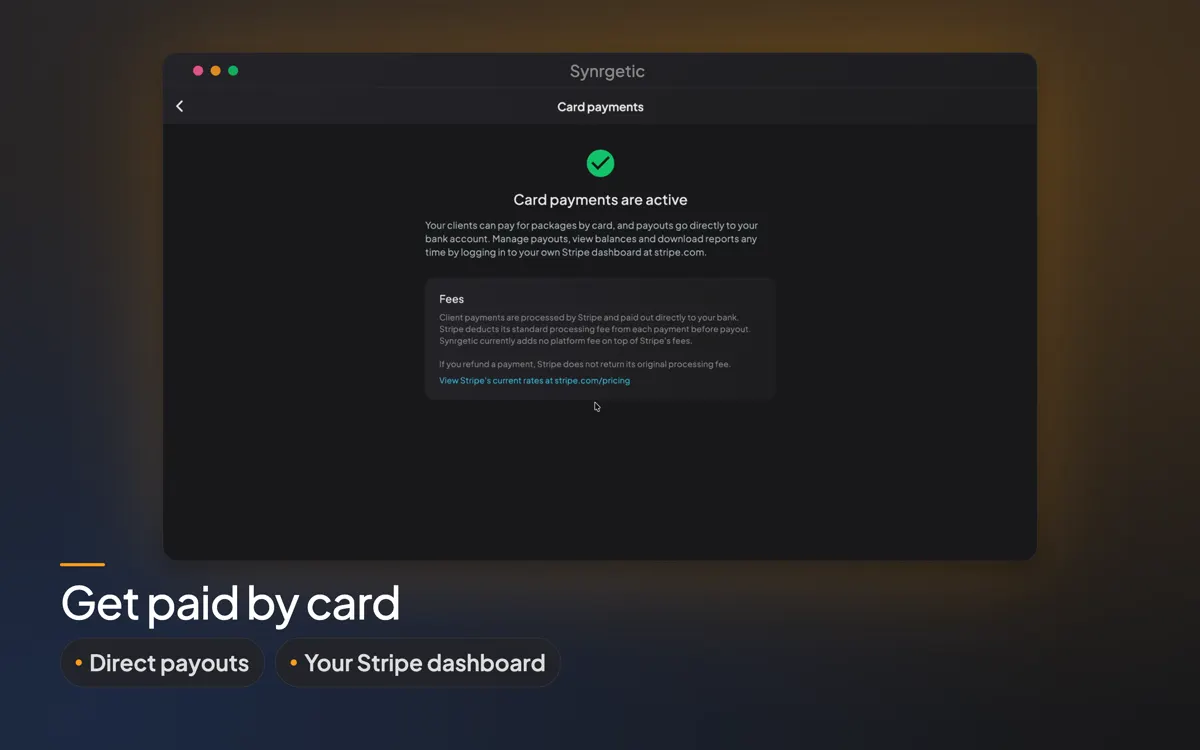
Clients pay for your packages by card in the Synrgetic app, and the money goes straight to your bank through your own Stripe account. Stripe deducts its standard processing fee, and Synrgetic currently adds nothing on top.


Card payments are included with every paid plan, including the free trial month.
How it works
- Go to Settings → Card payments and set up payouts with Stripe. It usually takes a few minutes.
- Open a client and choose Send payment request.
- Pick the package, then choose a single payment or, for online coaching packages, recurring.
- Your client gets a notification and an email. Once they pay, the package is assigned automatically.
Recurring payments
Get paid every few weeks without asking. Recurring payments renew automatically for online coaching packages, and Stripe retries a failed payment for you.
- Single or recurring
- Automatic retries
- Cancel at any time
- Clients keep what they paid for
What taking payments costs elsewhere
| Platform | Cost on top of the card processor’s fee |
|---|---|
| Synrgetic | Currently nothing, on any paid plan |
| Trainerize | Integrated payments are a $10/month add-on |
| Everfit | Payments & Packages is an add-on, from $9/month |
| TrueCoach | Reported 5% of each payment since January 2026, though its pricing page lists no extra fees. Check with TrueCoach |
By Vishal Haria, founder of Synrgetic, so yes, I have an interest. Competitor prices are their published monthly rates as of November 2026, and they may have changed since. Check the current figures: Trainerize’s pricing · Everfit’s pricing · TrueCoach’s pricing
Frequently asked questions
Does Synrgetic take a percentage of client payments?
No. Synrgetic currently adds no platform fee. Stripe deducts its standard processing fee from each payment before paying you out.
Do I need a paid plan to take card payments?
Yes. Card payments come with every paid coach plan, including the free trial month, and with gym plans.
Where does the money go?
To your own bank account, through your own Stripe account. You manage payouts, balances and reports in your Stripe dashboard.
Can I refund a client?
Yes. Open the client's package and choose Refund Payment, for all or part of the amount. Stripe does not return its original processing fee when you refund.
What happens to payments if my plan ends?
You can't send new payment requests until you're back on a plan. Refunds and cancelling recurring payments keep working, so no client is left stuck.
Start your free month and get paid by card.
Your first client is free, forever · Every paid plan starts with a one-month free trial · Cancel anytime
Plans are bought in the iPhone, Android or Mac app. Once you have one, it works on the web too.